
Schedule & attendance
See upcoming sessions, respond to practices and keep your attendance plans current.
Included for registered attendees
The Never 2 Late Hockey Program Companion keeps schedules, practice media, progress, makeup options and team communication together in one secure place.
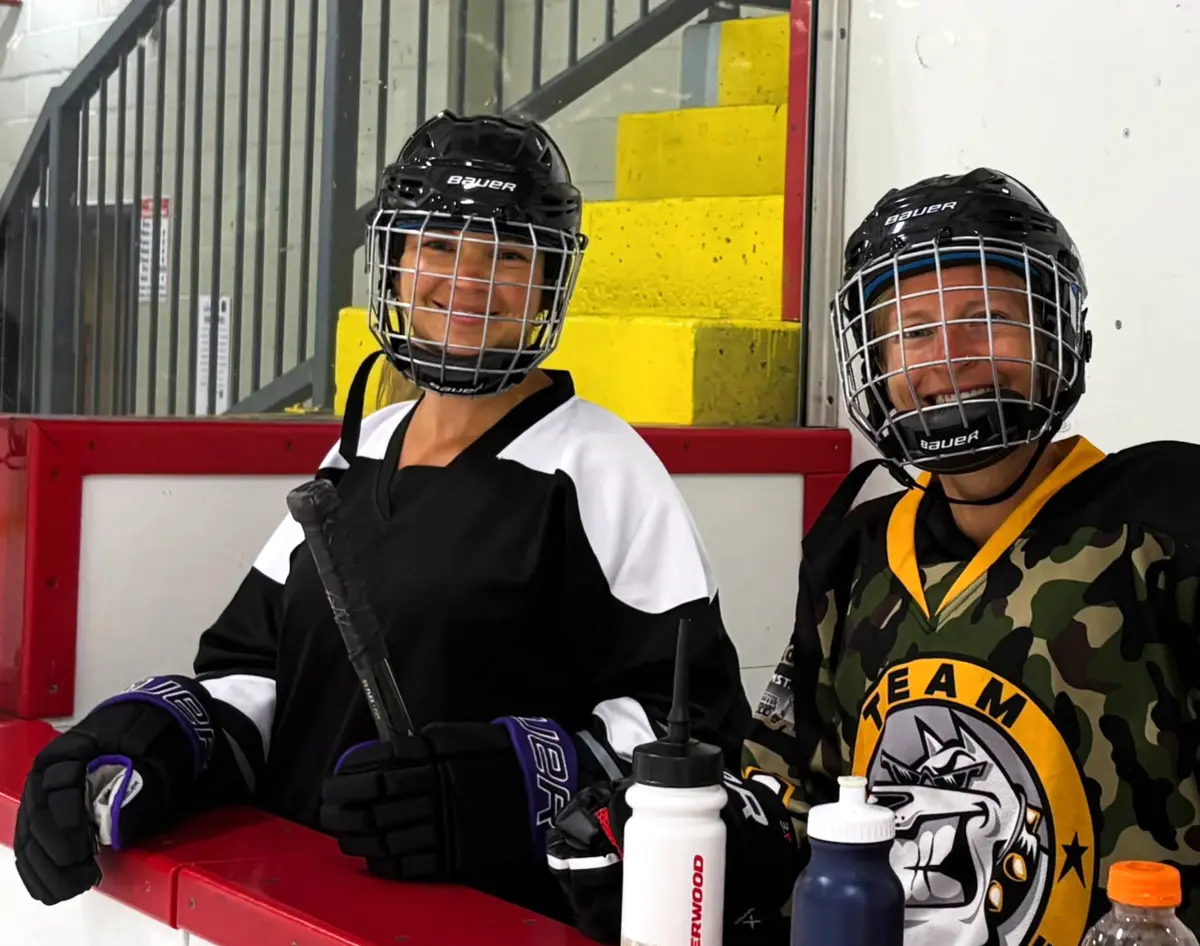
A better attendee experience
The Companion is included for registered Never 2 Late Hockey attendees. It works in a regular browser and can be added to a phone’s Home Screen so it opens like an app—without requiring a ChatGPT account or an App Store download.
Already registered? Use the same email address that is recorded for you in the program. New accounts cannot view attendee information until that email has been added by the program administrator.
What is inside
See upcoming sessions, respond to practices and keep your attendance plans current.
When you cannot attend, check compatible sessions with another group and request an available place.
Open recent practice albums, view photos or short videos and download the moments you want to keep.
Keep first-session guidance, hockey resources, PDFs and short instructional videos close at hand.
Follow recorded skills, milestones and coaching notes throughout the program.
Message the coaching team privately and connect with the other attendees in your assigned group.
First-time access
The administrator adds your attendee record using the email address where you receive program information.
Open the Companion, choose First-time setup, enter that same email and create a password of at least eight characters.
Open the confirmation message sent to your inbox. Check junk or spam if it does not appear within a few minutes.
Return to the Companion, sign in and add it to your Home Screen for convenient access throughout the program.
Install on your phone
iPhone
Android
Updates arrive automatically through the same secure web app. There is no separate App Store update to manage.
Private by design
The website explains the Companion, but schedules, progress, media and conversations are available only after secure sign-in. Each attendee sees the records connected to their own program email and assigned group.
If you have difficulty accessing your account, contact Never 2 Late Hockey rather than creating a second account with a different email.